Accessing your Mock Invoices
Steps on how to download and access your reports from the web application
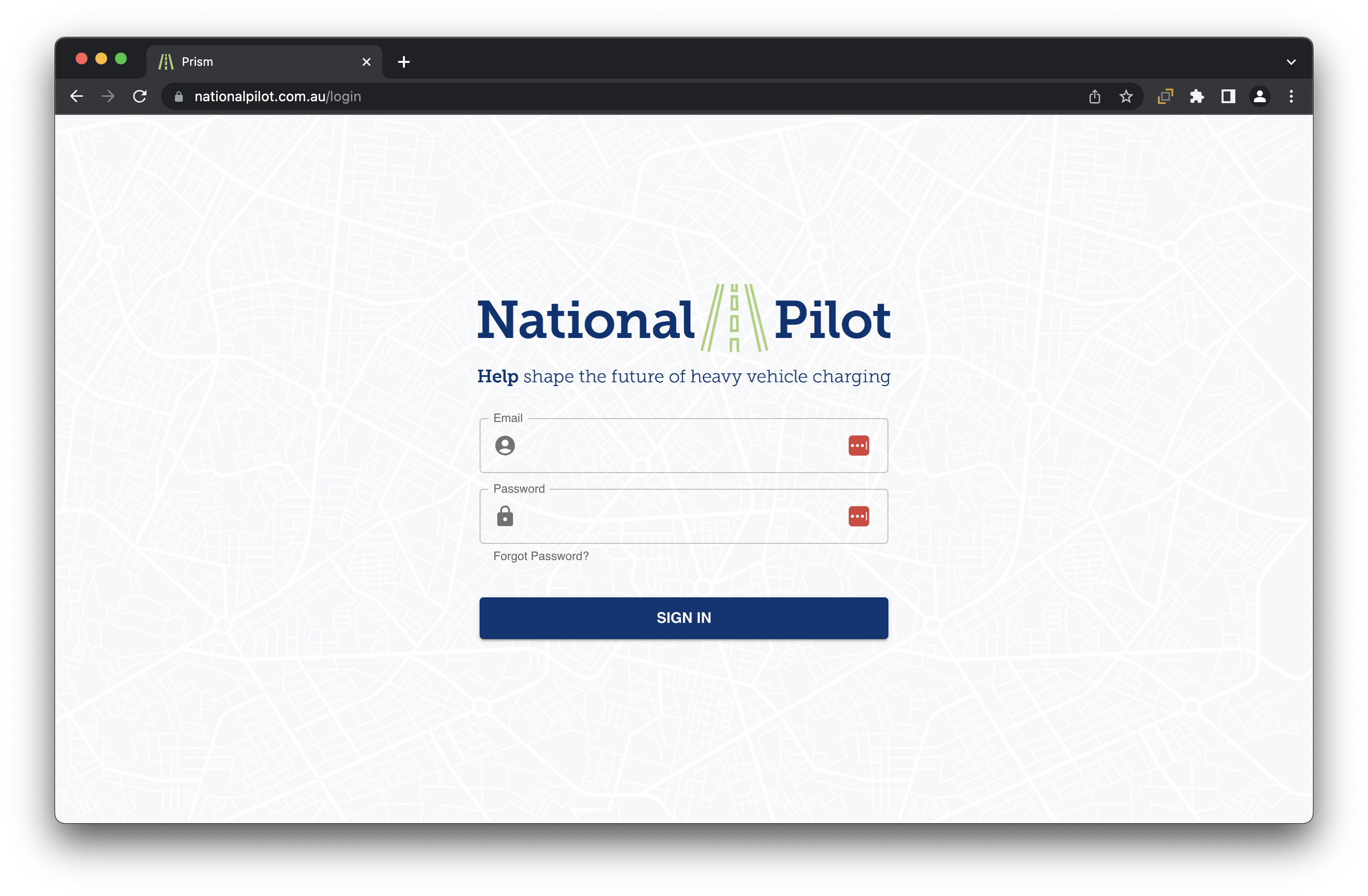
Login into your National Pilot web application using your account credentials at National Pilot
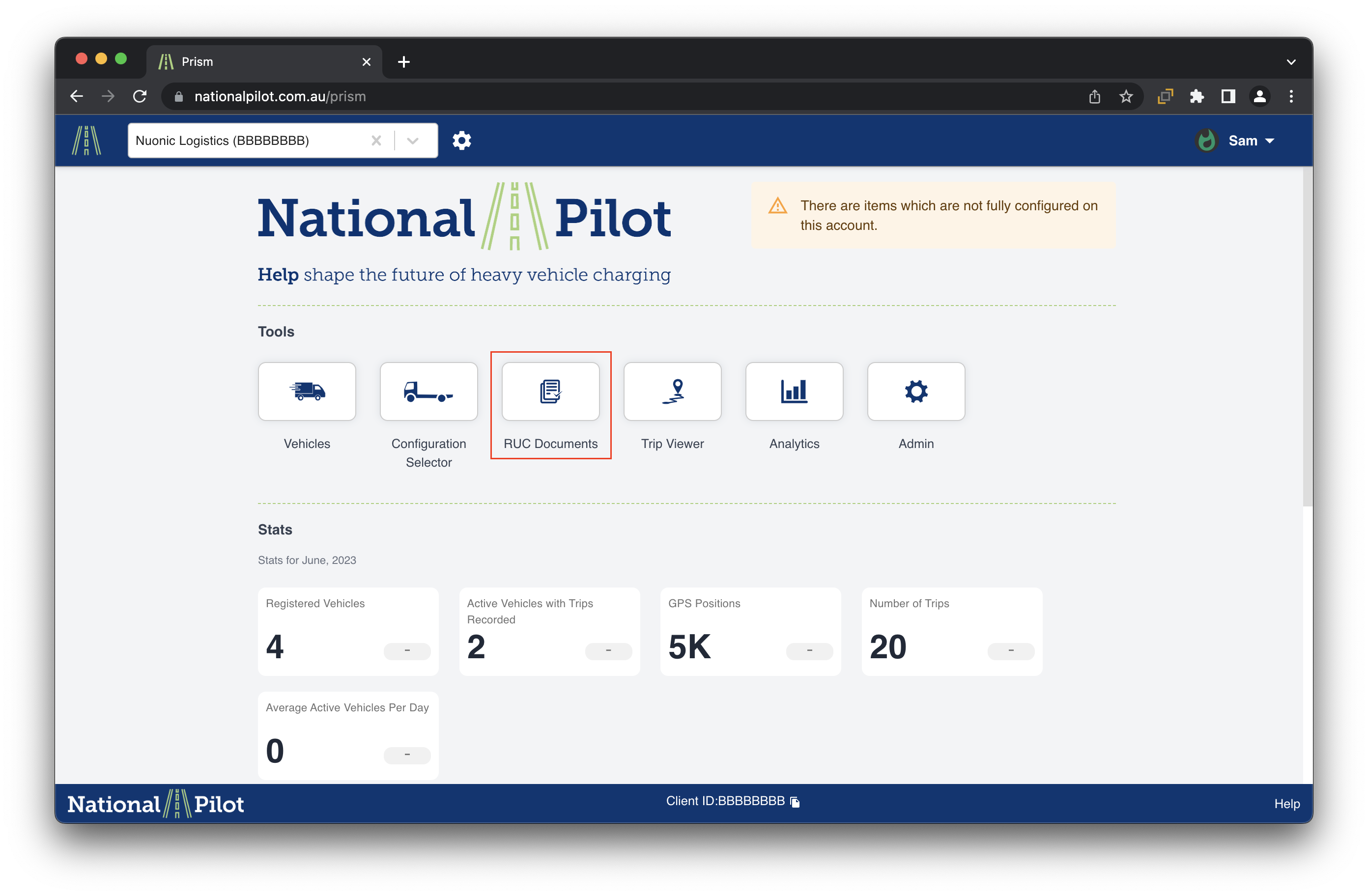
Select the “RUC Documents” tile on the home screen
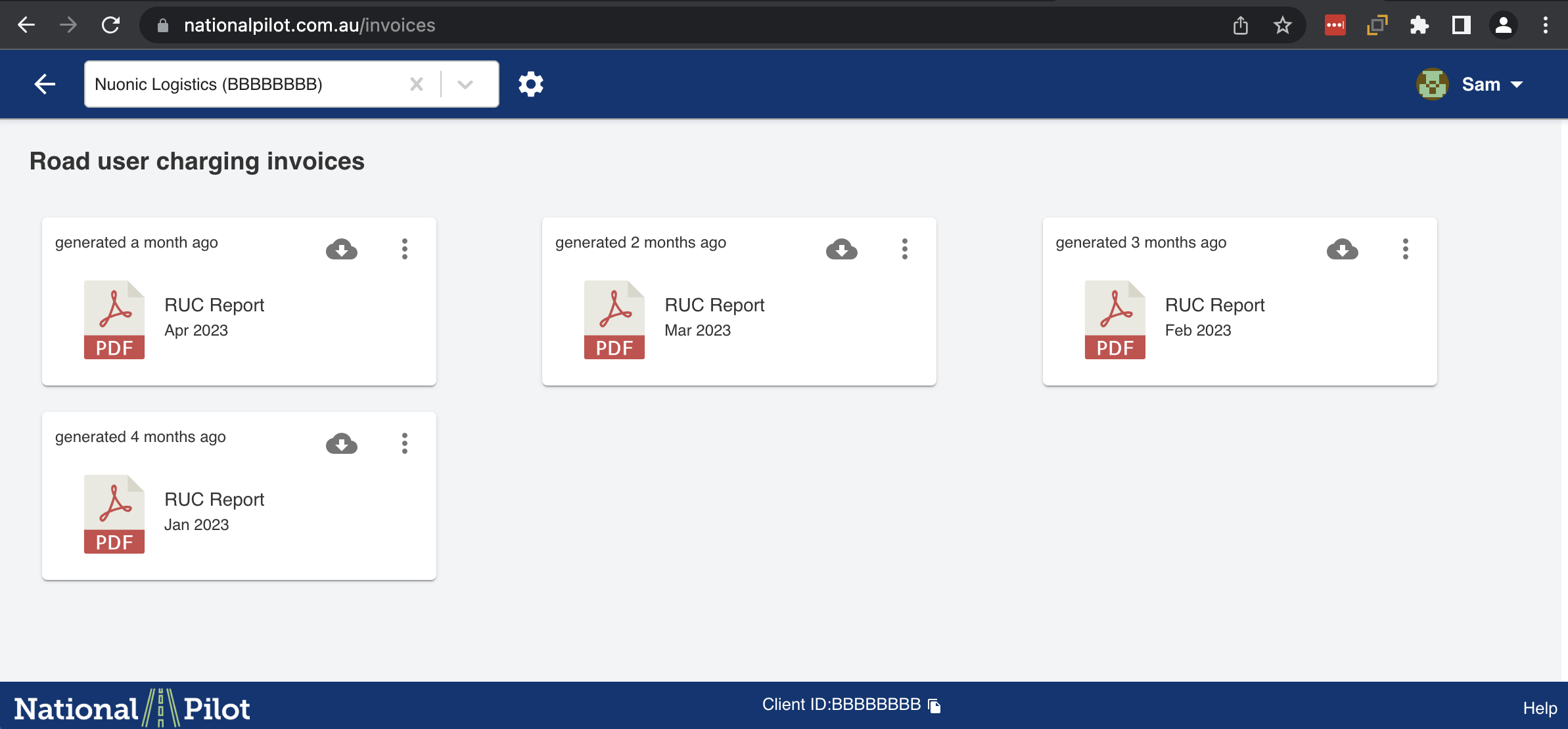
Once you are through to Invoices page, you can see the downloadable Mock invoice PDF report which can be downloaded at any time
Next Steps: Information and details on the sections of the report