
Monthly vehicle configurations
This page provides instructions on accessing the monthly vehicle configuration space and guides you on updating the information within. By following the steps outlined here, you will be able to easily navigate to the designated area and make any necessary modifications to the monthly vehicle configuration.

Note : Updating your monthly vehicle configuration is a crucial requirement for vehicles under No Con-Ops (Concept of Operation).
Steps on accessing the monthly vehicle configurations section
Log into your National Pilot web application by clicking here
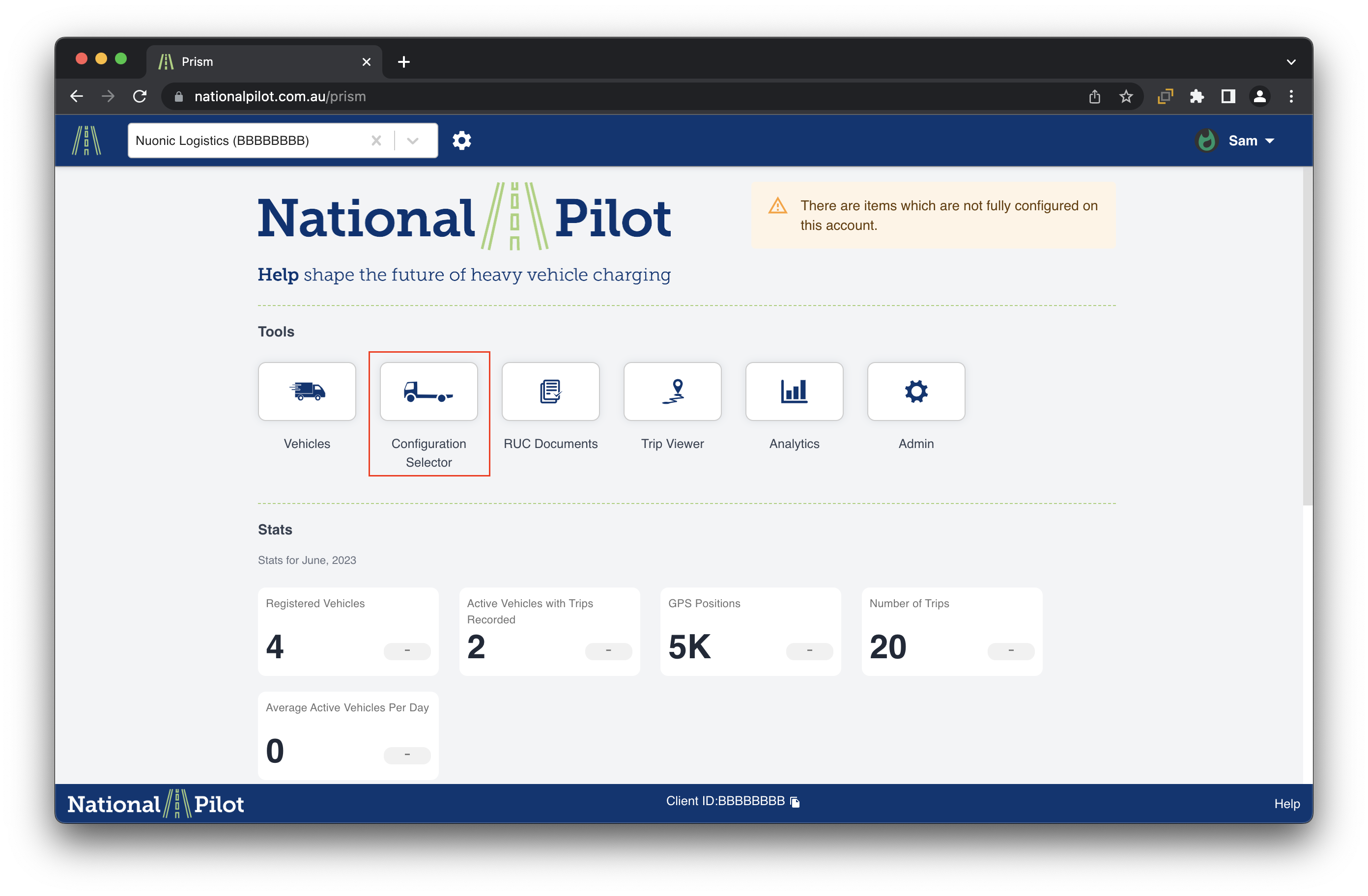
Once logged in, select the “Configuration Selector” section
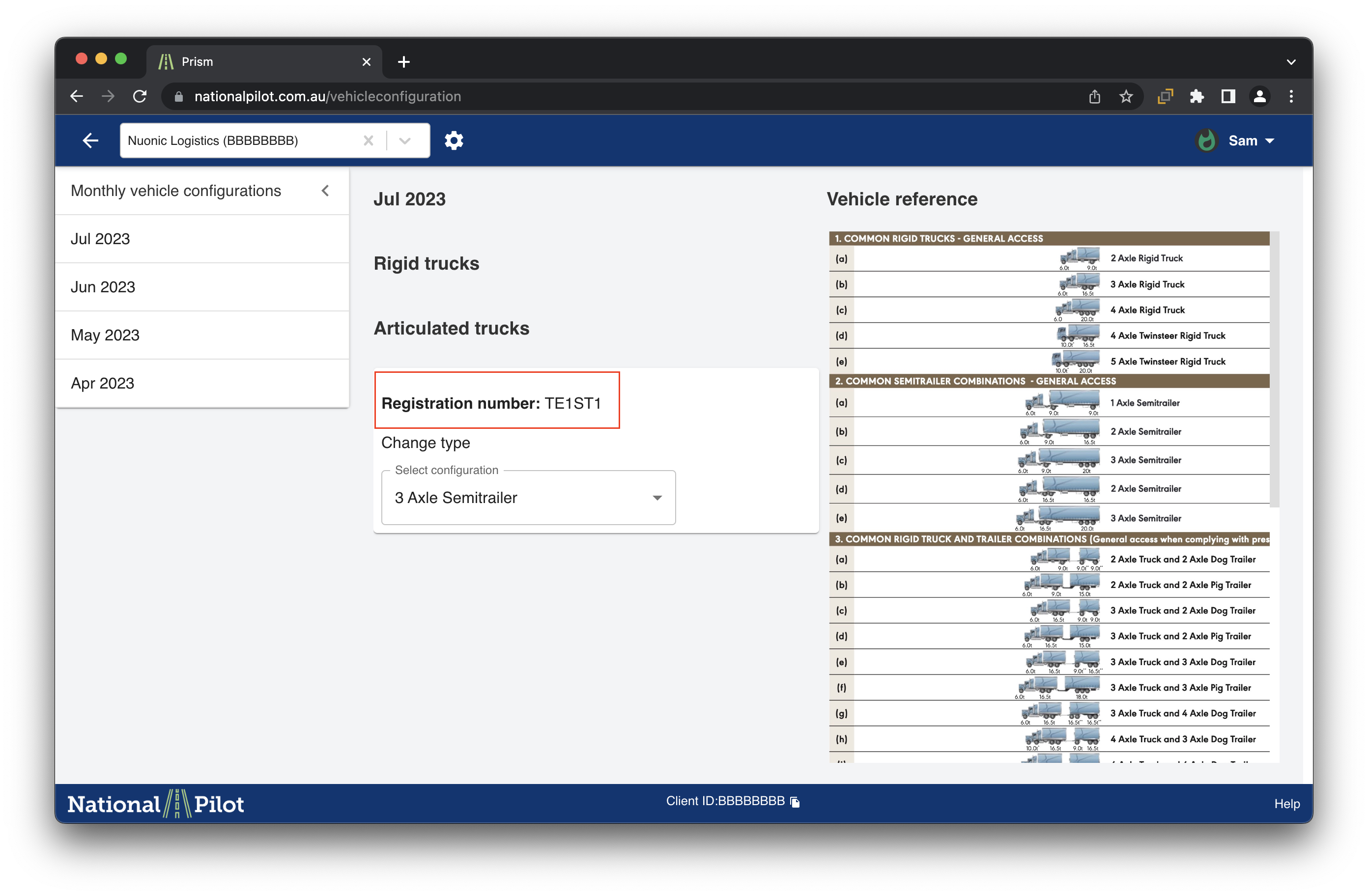
Under configuration selector section, you would be able to select the vehicle configuration for the mentioned registration number of the vehicle
Please refer to Using the Vehicle Register page if you require assistance with adding / deleting / updating vehicle fleet details in your account.