
Understanding your RUC detailed report
On this page, you will find a detailed breakdown and comprehensive explanation of the various components that make up the detailed report in its Excel version. Each component is thoroughly described, ensuring a clear understanding of the report's contents and facilitating effective analysis of the data presented
How to access the detailed RUC Report
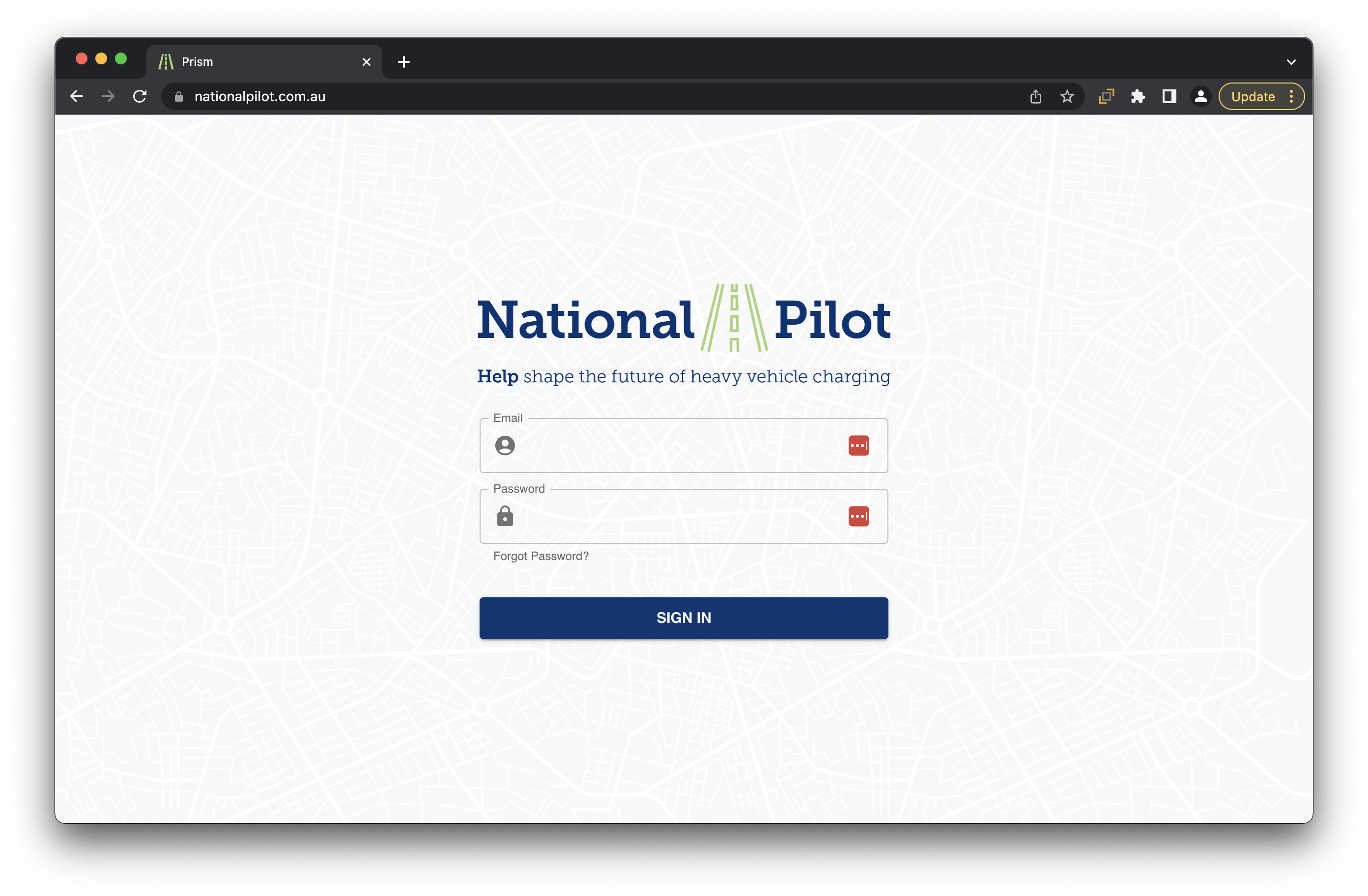
Step 1 : Log-in to your account on the National Pilot web application here National Pilot web application
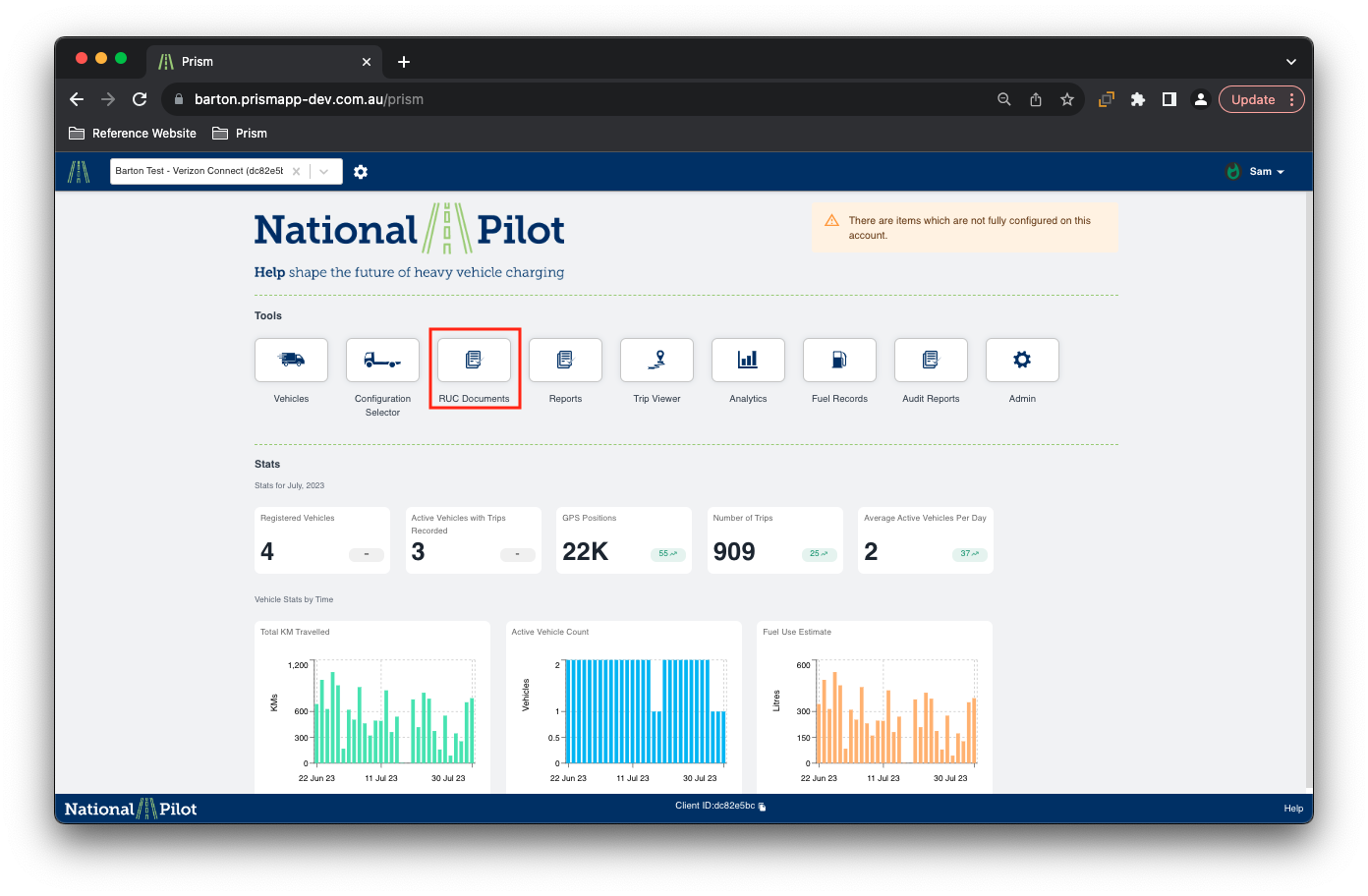
Step 2 : Navigate and click on the “RUC Documents” section on the home screen once you login to your web application
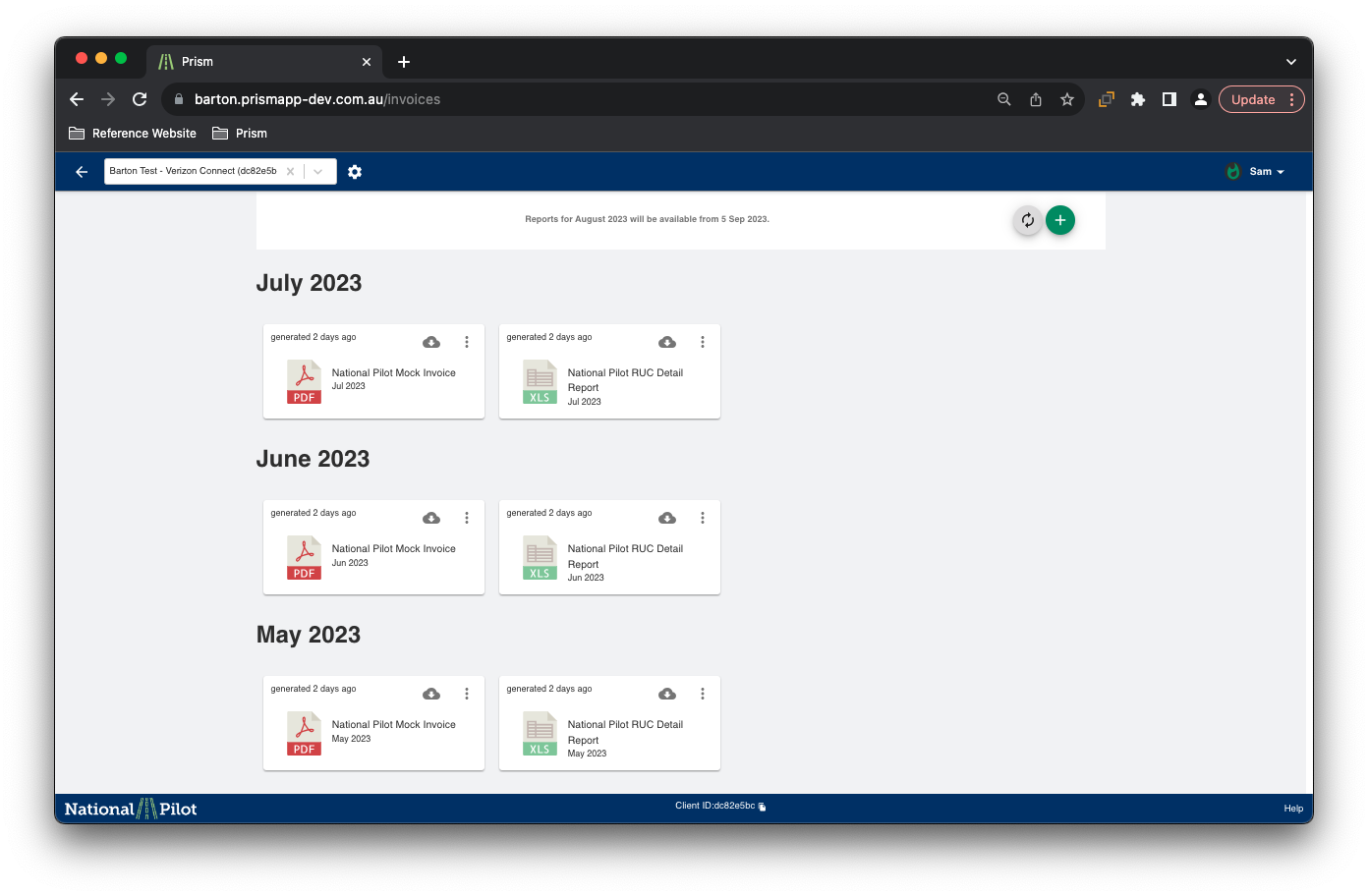
Step 3 : In the RUC Documents section, you can choose to select the month for which you wish to view and download your detailed RUC excel report from
Information / Tabs available in the report
Summary
Vehicles
FTC and Fuel Excise rates
Existing Rego

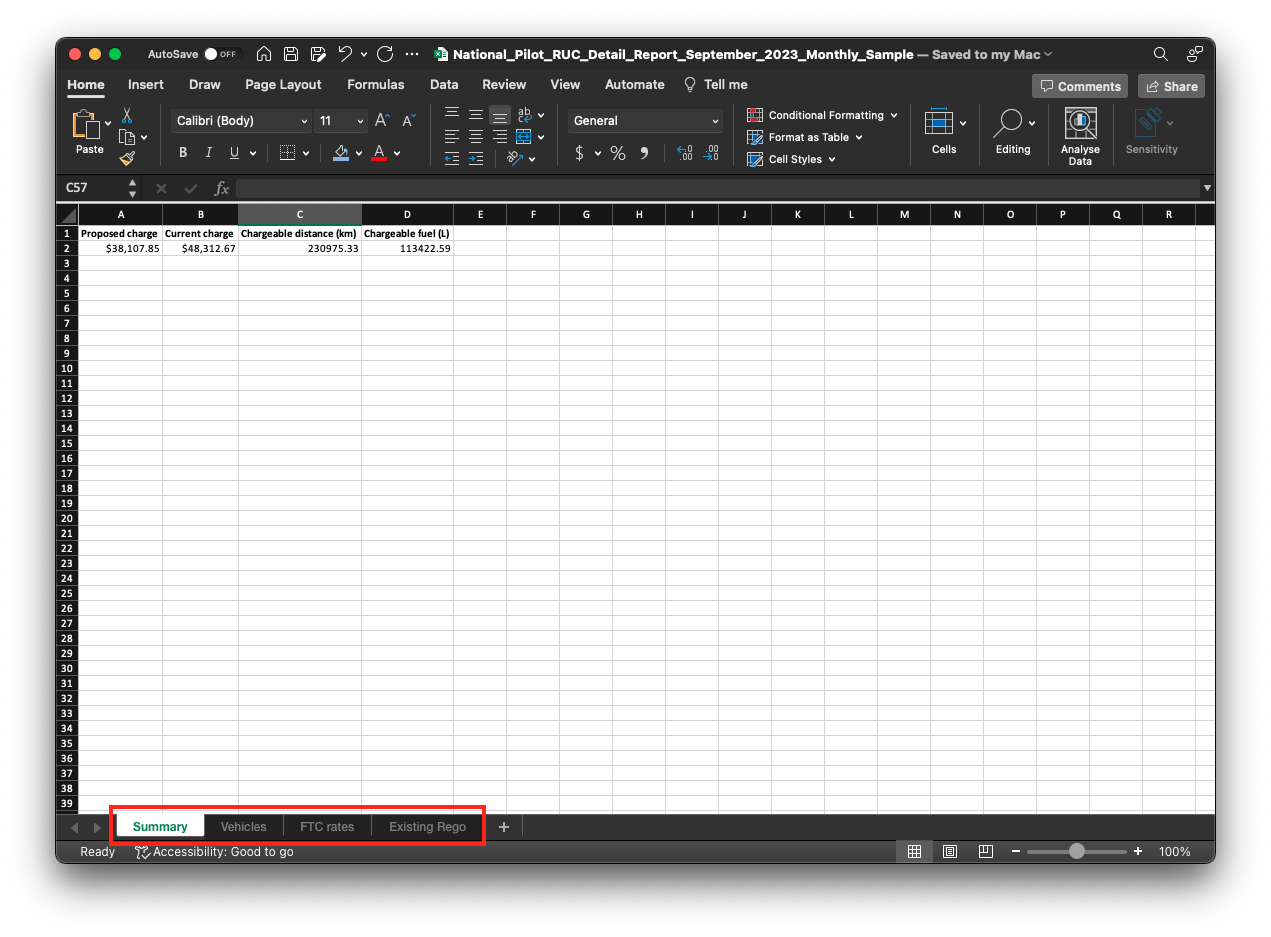
To access the desired sections, just click on the individual tabs at the bottom of the Excel spreadsheet. You can easily find these tabs as shown in the screenshot below.

Please Note : The '$' figures in the screenshots are used for illustrative purposes only and may not accurately reflect current registration or fuel excise charges.
Summary Information Tab
The summary information tab provides a comprehensive overview of the financial aspects, comparing the dollar values of the current charges with the proposed charges.
Additionally, it includes essential details such as the total chargeable distance traveled and the corresponding chargeable fuel consumption.
Vehicles Tab
The vehicles tab displays individual vehicle IDs, along with detailed vehicle information and configuration specifications, including GVM (Gross Vehicle Mass), GCM (Gross Combination Mass), and Axle count. The primary purpose of this section is to compare the proposed trial charges with the existing PAYGO charges for each vehicle, providing a clear overview of the differences.
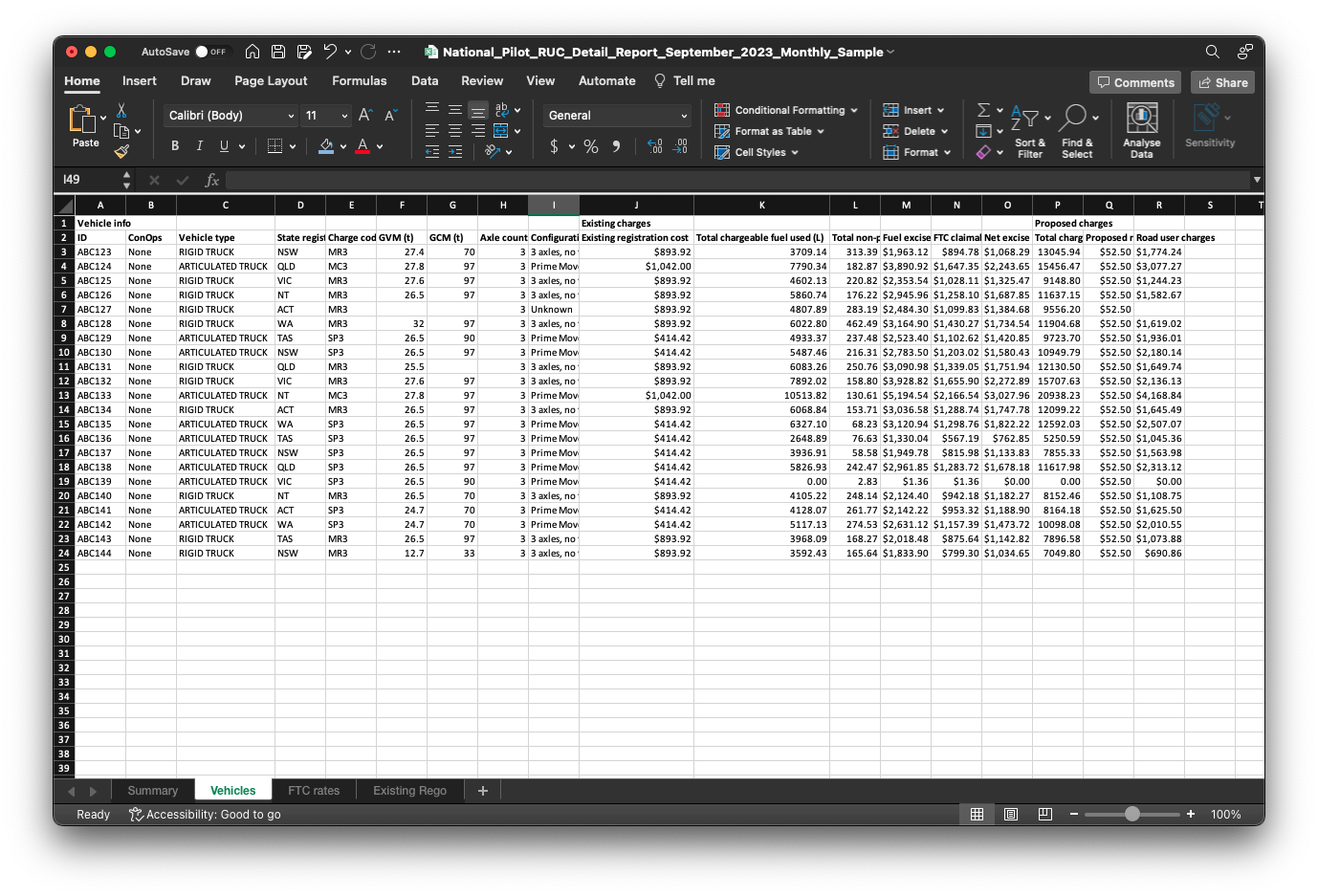
Visit the page Key Concepts page for information and detailed explanation on existing PAYGO charges and proposed Distance based trail charges
FTC Rates Tab
Within the FTC rates tab, you will find valuable information related to each vehicle's purchase date, as well as the corresponding fuel excise rate in dollars per litre ($/L) and the Public road FTC rate in dollars per litre ($/L). This tab serves as a valuable resource to track and understand the specific rates associated with fuel excise and public road FTC for different vehicles in a simple and accessible manner.
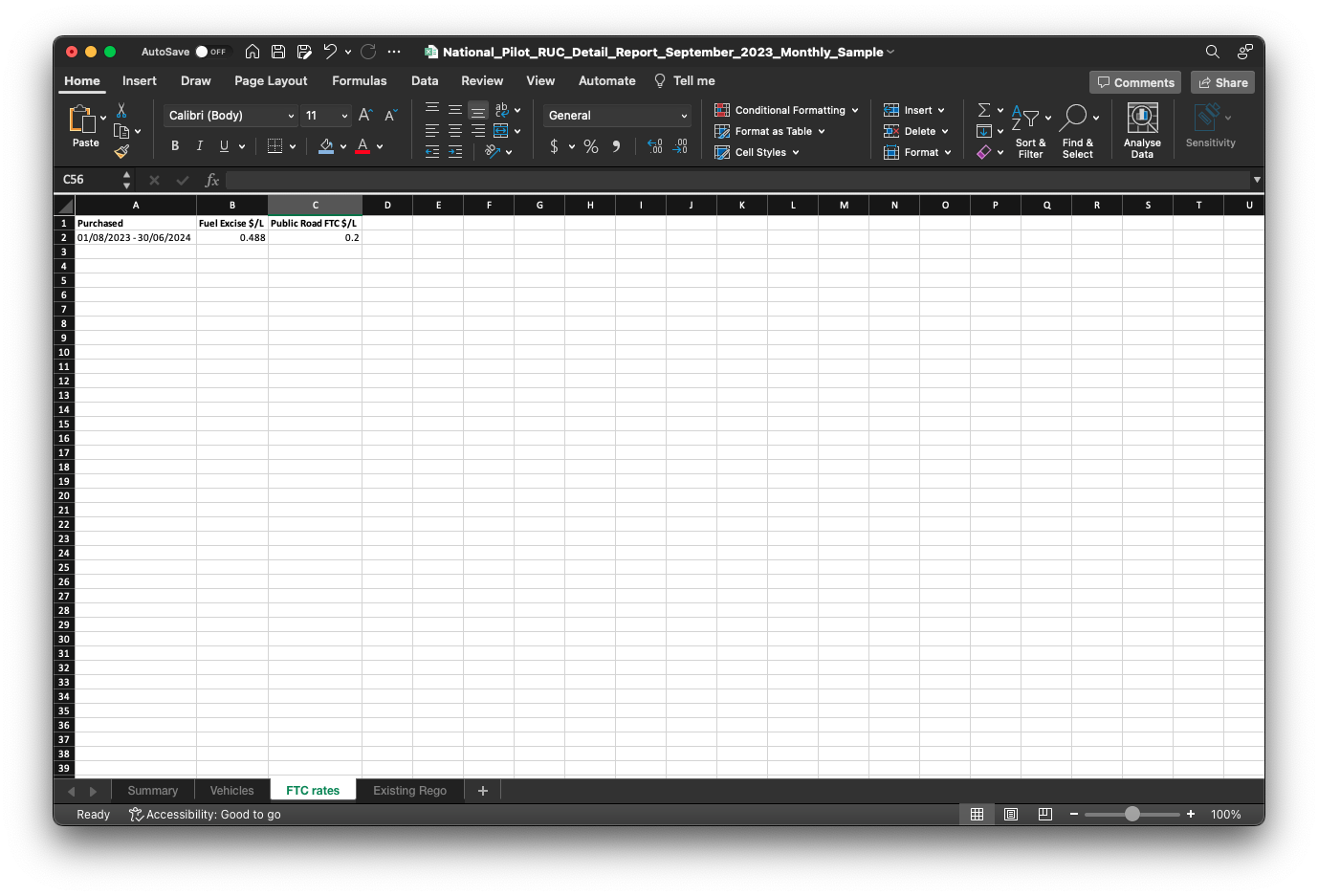
Refer to the provided ATO (Australian Taxation Office) link for further information regarding FTC charges. ATO Fuel Tax Credits table
Existing Rego Tab
In this tab, you will find the registration charges for each individual vehicle, accompanied by the corresponding NHVR (National Heavy Vehicle Register) vehicle registration charge code. This tab serves as a comprehensive reference to easily access and understand the specific registration charges associated with each vehicle.
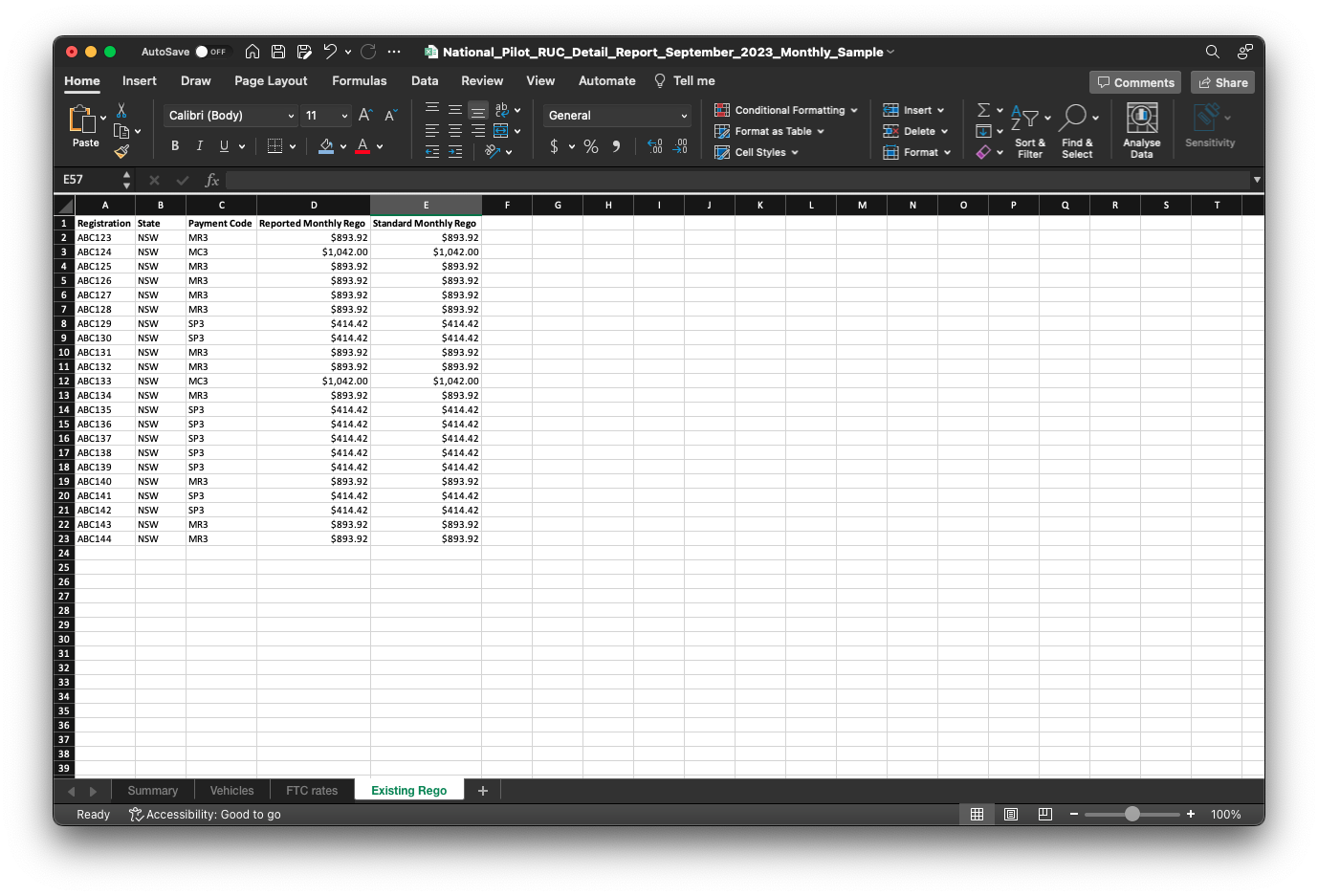
Note : If the Proposed Charges, Current Charges and Chargeable Fuel and Distance are shown as ‘#########’, Please expand the column width to reveal the values.
Visit the link provided to learn more about NHVR (National Heavy Vehicle Registration) charge code and charge values. NHVR Registration charges for heavy vehicles